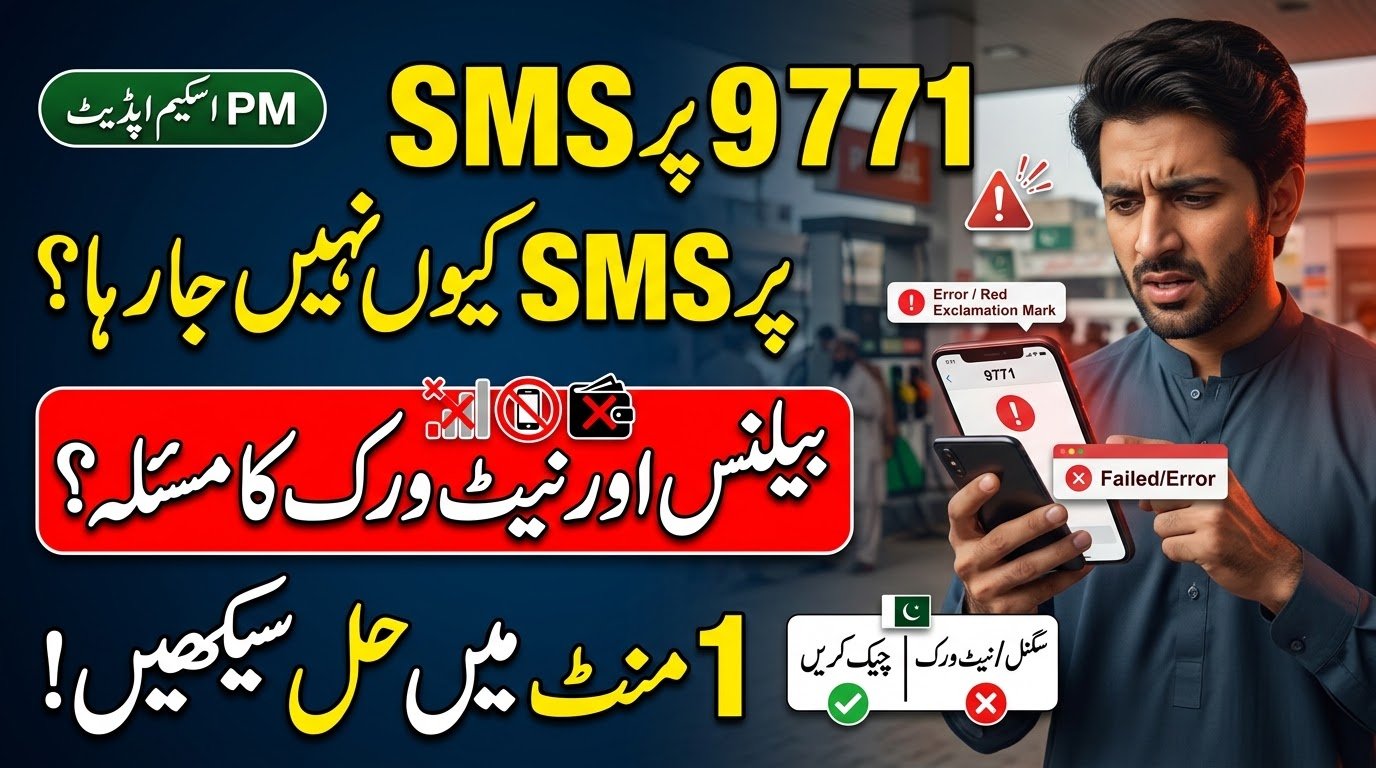
If you are trying to register for the PM Fuel Relief Scheme and your SMS to 9771 is not going through, there is no need to panic. An SMS problem can happen for several simple reasons, including a weak mobile signal, low balance, an incorrect SMS format, or a temporary network issue.
The government has introduced a digital system for the PM Fuel Relief Scheme, and 9771 is being used in the registration and token process. Government information also confirms that citizens have been assisted with registration through 9771 at facilitation camps.
Before sending the SMS again and again, it is better to check your mobile network, balance, SIM, and registration information one by one.
| Problem | What to Check |
|---|---|
| SMS not sending | Mobile network signal |
| SMS fails immediately | SIM and balance |
| SMS sent but no reply | Wait and check details |
| Wrong information | CNIC and vehicle details |
| Wrong destination | Confirm 9771 |
| Repeated failure | Use official help |
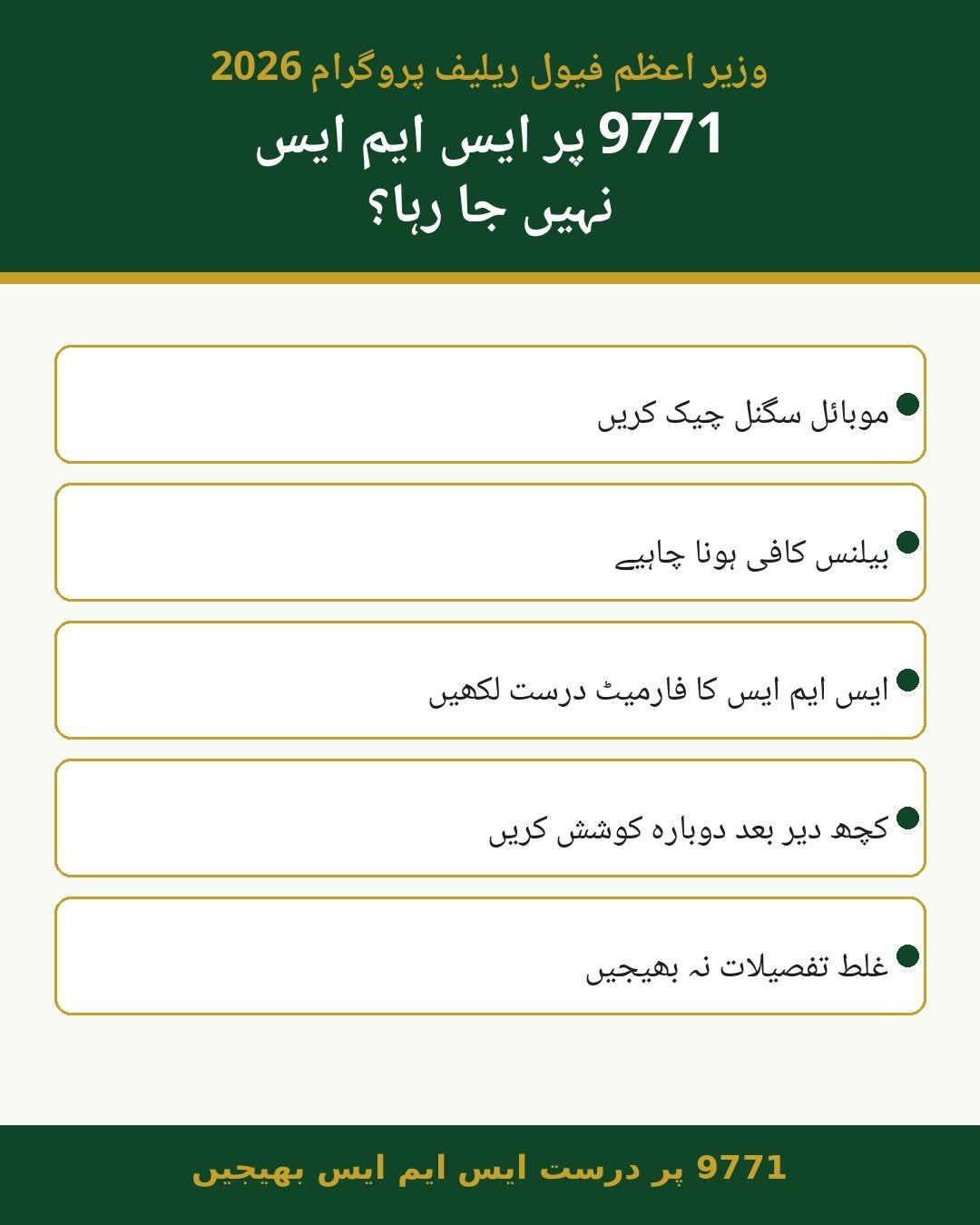
Check Your Mobile Network Before Sending 9771 SMS
A weak mobile signal is one of the first things you should check when an SMS is not going through. If your phone has very low signal or keeps switching between network modes, the SMS may not be sent properly.
Try moving to a location where your mobile network normally works well. You can also restart your phone before trying again.
Some simple checks include:
- Look at the signal bars on your phone.
- Move outside or to an area with better coverage.
- Turn Airplane Mode on and off.
- Restart the mobile phone.
- Try sending a normal SMS to another number.
- Check whether your SIM is working for calls and messages.
If normal SMS messages are also failing, the problem may be related to your mobile network or SIM rather than the Fuel Relief Scheme.
Do not immediately assume that your application has been rejected just because the SMS did not go through. First determine whether the message actually left your phone.
Check Your Balance and SIM
Your mobile balance is another basic thing to check before sending an SMS to 9771.
Even if you have an active mobile package, it is useful to check your available balance and SMS service. If your balance is very low, add some balance before trying again.
You should also make sure that you are using the correct SIM for your registration. Avoid changing SIMs unnecessarily while trying to submit your information.
The official scheme information says the Fuel Pass System is being used for the digital management and delivery of the relief. The government has also described the scheme as a targeted relief programme for eligible users.
Before trying the SMS again, check these points:
- Is the SIM active?
- Does the phone show a stable signal?
- Can you send normal SMS messages?
- Is there enough balance?
- Are you using your own required SIM?
- Is the correct number 9771 entered?
If everything looks normal but the SMS still fails, wait for a short time and try again rather than sending the same request repeatedly.
Check the 9771 SMS Format Carefully
An SMS can also fail because the information is entered incorrectly. Registration systems normally require information in a specific format, so users should follow the latest official instructions exactly.
Check every part of your message before pressing send. A small typing mistake in your CNIC, vehicle number, province code, or registration information can create problems.
The government has publicly confirmed the use of 9771 for registration assistance and token issuance under the Fuel Relief Scheme.
Before sending your message, check:
- Your CNIC number is correct.
- Your vehicle registration number is correct.
- The province code is correct.
- The registration date is entered correctly if requested.
- There are no unnecessary words in the message.
- The destination number is 9771.
- The format matches the latest official instructions.
Do not create your own SMS format. If the government changes the registration procedure, always follow the latest official instructions instead of relying on an old message shared on social media.
For the latest government information, you can check the Press Information Department of Pakistan for official announcements.
What to Do When SMS Is Sent but No Reply Comes
Sometimes the problem is different: your phone shows that the SMS was sent, but you do not immediately receive a response.
In this situation, first check your Sent Messages folder. If the message appears there, your phone has attempted to send it.
Avoid sending the same message many times within a few minutes. Repeated messages may not solve a temporary system or network issue.
Instead, follow these steps:
- Confirm that the SMS was sent to 9771.
- Check your Sent Messages folder.
- Recheck your CNIC and vehicle information.
- Make sure your SIM is active.
- Wait before trying again.
- Look for the latest official scheme instructions.
The government has reported that registration camps have been used to help citizens complete the 9771 registration process and obtain tokens.
This means that people who are having difficulty with the digital process may also look for officially identified assistance when such facilitation arrangements are available.
It is important to understand that a delayed reply and a failed SMS are not necessarily the same problem. If the SMS has already been sent, repeatedly sending it may not provide a faster solution.
Network Problem or Registration Problem?
Knowing the difference between a mobile network problem and a registration problem can save you time.
If your SMS cannot be sent at all, the first things to check are your network, SIM and balance. If normal messages are also failing, contact your mobile network operator.
On the other hand, if the SMS is successfully sent but the system does not accept your information, the problem may be related to your registration details or the scheme’s verification process.
| Situation | Possible Issue | What to Do |
|---|---|---|
| SMS stays unsent | Network or SIM | Check signal and SIM |
| SMS fails immediately | Balance or service | Check balance |
| SMS is sent | Processing delay | Wait and check |
| Incorrect response | Registration details | Recheck information |
| Repeated failure | Technical issue | Seek official assistance |
The current government framework says the relief is digitally managed through the Fuel Pass System and is limited to eligible users under the announced conditions. The September 14 announcement stated that the scheme covers two- and three-wheelers and cars up to 800cc, with relief amounts structured around the announced fuel limits.
If your SMS is sent successfully but you receive an error related to eligibility or vehicle information, that is different from a mobile network failure.
Avoid Scams When Getting Help With 9771
People looking for help with government schemes can sometimes receive messages or calls from unofficial individuals claiming that they can guarantee registration or approval.
You should be careful before sharing personal information.
Never give your CNIC details, account information, verification codes, or other sensitive information to an unknown person simply because they claim to be an agent.
Keep these safety points in mind:
- Do not pay an unknown person for guaranteed approval.
- Do not share verification codes with strangers.
- Do not enter CNIC information on suspicious websites.
- Check government announcements before following new instructions.
- Use official facilitation arrangements when available.
- Do not trust forwarded WhatsApp messages without verification.
The government has reported that facilitation camps have been used to assist citizens with the registration process, including help with 9771 and token issuance.
If a person claims to have special access to the Fuel Relief Scheme and asks for money or sensitive information, verify the claim through an official government source first.
The government has also reported that the scheme is being implemented at petrol pumps and that arrangements have been made with petroleum dealers to support its operation.
Final Checklist Before Sending an SMS to 9771
If your SMS to 9771 is not going through, start with the simple checks rather than repeatedly sending the message.
Make sure your mobile signal is stable, your SIM is active, and your balance is sufficient. Then check the registration information carefully and confirm that the message is being sent to 9771.
If the message still does not work, avoid sharing your personal information with unofficial agents. Instead, check the latest official government information or use an officially announced facilitation channel where available.
The PM Fuel Relief Scheme is being managed through a digital system, and the government has confirmed the use of 9771 in the registration and token process.
FAQ
1. Why is my SMS to 9771 not going through?
The problem may be related to your mobile network, SIM, balance, or SMS service. Check your signal and balance first and make sure your SIM is working properly.
2. What should I check before sending the Fuel Relief SMS?
Check your CNIC, vehicle information, province code, registration details where required, SMS format, and the destination number 9771.
3. What if my SMS was sent but I did not receive a reply?
First check your Sent Messages folder and confirm that the message was sent to 9771. Avoid repeatedly sending the same SMS immediately. Check the latest official instructions and wait for the system response.
4. Can someone register me if my SMS is not working?
Do not give your personal information to an unknown person who promises guaranteed registration. If official registration camps or facilitation arrangements are available in your area, use those officially identified channels instead.